
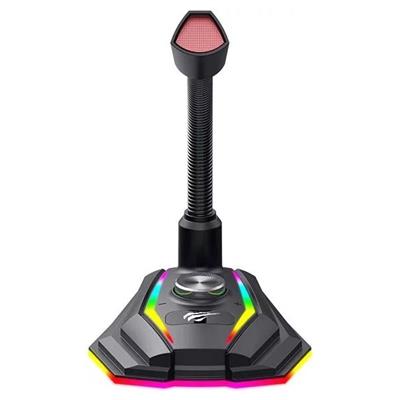
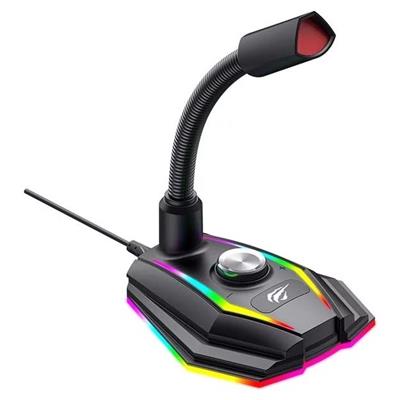
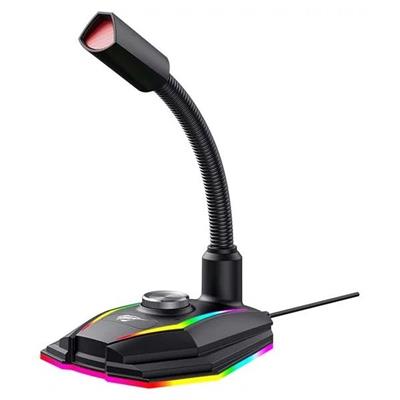
Havit Gaming Microphone GK56B 6 Months Warranty
If you have any questions, you are always welcome to contact us. We'll get back to you as soon as possible, within 24 hours on weekdays.
-
Shipping Information
Use this text to answer questions in as much detail as possible for your customers.
-
Customer Support
Use this text to answer questions in as much detail as possible for your customers.
-
FAQ’s
Use this text to answer questions in as much detail as possible for your customers.
-
Contact Us
Use this text to answer questions in as much detail as possible for your customers.
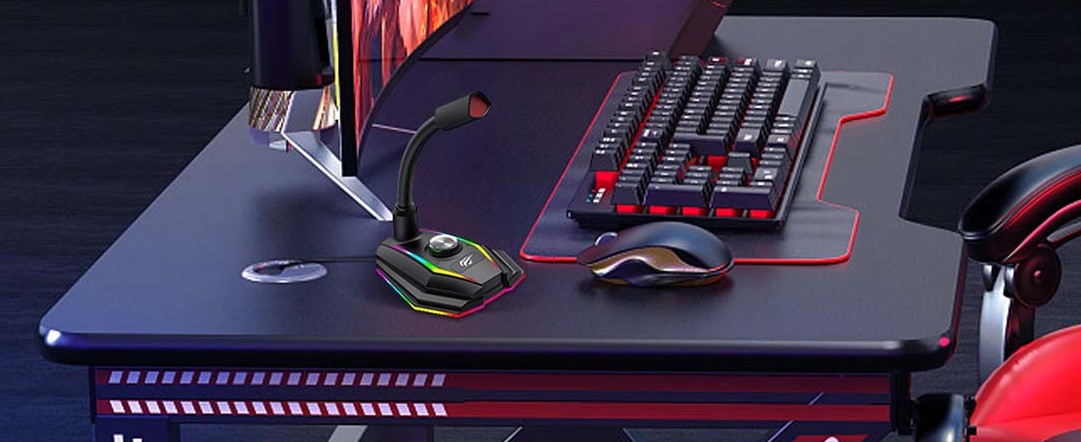
Havit GK56B gaming microphone
The Havit microphone was designed specifically for demanding gamers. The application of the latest technologies allows meeting the requirements at the highest level. Equipped with a solid base, it ensures stability, and thanks to the USB interface and plug&play you can easily connect it to a compatible device. It's omnidirectional, which means it better picks up sounds around you, allowing you to communicate freely with other players, and the RGB backlighting gives it a gaming feel.
Convenient communication with other players
The GK56B microphone is omnidirectional, so it can pick up more sounds, so you will always be heard accurately. You don't have to worry about sound dropouts or distortion, the microphone picks up the player's voice in such a way that it is always loud and clear.
RGB backlighting
The modern design is highlighted by RGB backlighting, making the microphone fit in with gaming trends. Changing colors will diversify not only the game, but also the space on your desk.
Convenient adjustment
The neck of the microphone is adjustable, making it significantly easier to operate the device in any situation. Convenient adjustment will come in handy especially when using Discord, Twitch, Skype, Zoom or simply when playing with friends.
Easy to use
Thanks to the Plug & Play function, operating the microphone becomes extremely easy. Just plug the device into a USB port, select the microphone as an input in the system settings, and after a while it will be ready to use. You don't need to install any additional software or drivers.